72 curated skills · Google
Gemini CLI skills
The skills worth adding to Gemini CLI, picked for taste: decks, websites, videos, writing and more. Every one has plain steps to add it to Gemini CLI.
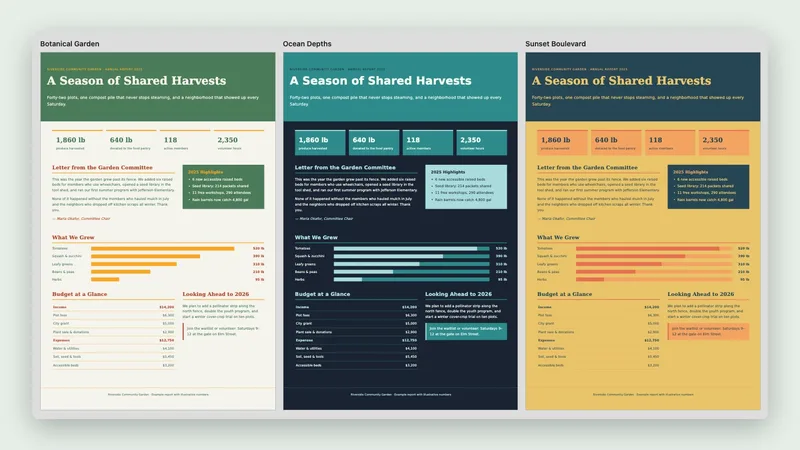
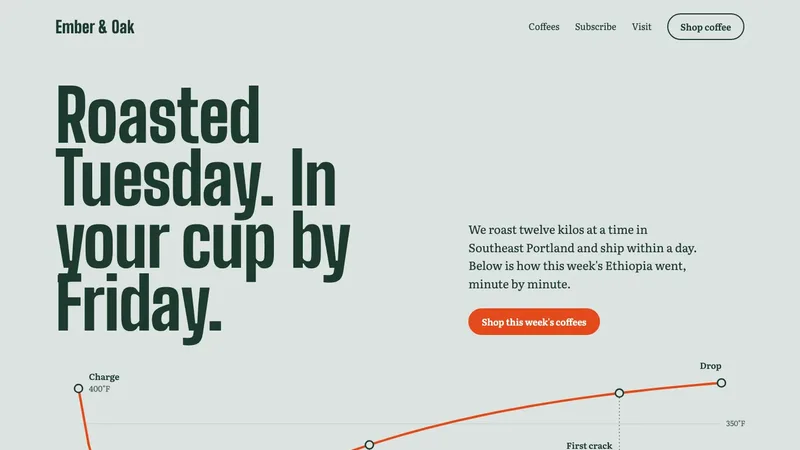
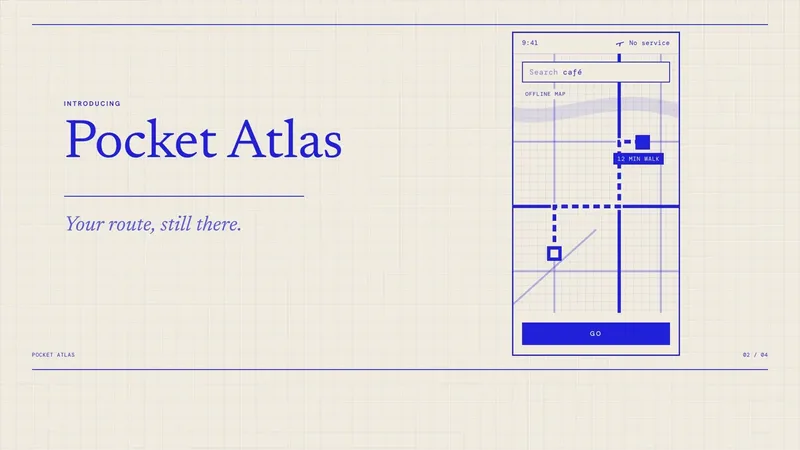

Start with these Gemini CLI skills
Free skills that earn their place: the most installed everyday picks.
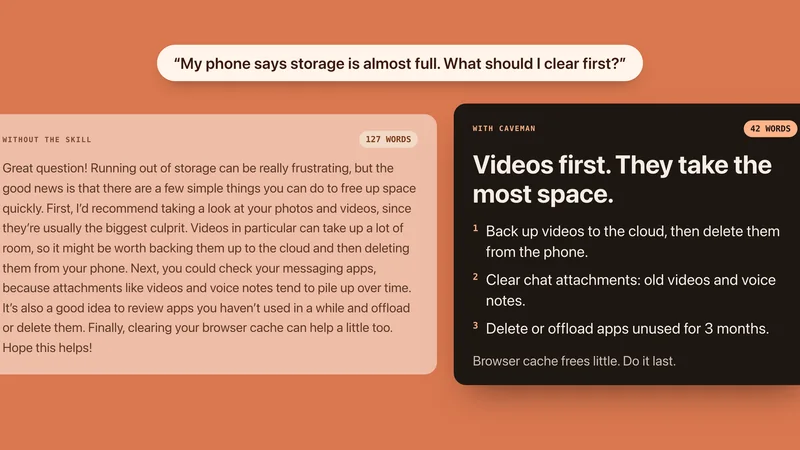
How to add a skill in Gemini CLI
Reads skills from a skills folder and asks for your consent before it uses one. Checked against Gemini CLI’s own documentation on Oct 20, 2026.
- Paste the install prompt below and Gemini CLI puts the skill in your skills folder.
- Gemini asks for your OK when a skill is activated. /skills enable and /skills disable turn skills on and off.
Install prompt: paste this into Gemini CLI
I downloaded the agent skill "Code Review" as code-review.zip. Unzip it and copy the code-review folder into ~/.gemini/skills. Before you finish, list every file it contains, show me any scripts and what they do, and stop if anything asks for passwords, API keys or downloads from other websites.
Example with Code Review, the first pick above. Each skill page has its own prompt and download.
- Skills folder:
~/.gemini/skills- Also reads:
- ~/.agents/skills
- In one project:
.gemini/skills
Built-in installer commands:
gemini skills install <git-url> All 72 skills for Gemini CLI
Grouped by what they make. Every one has a page with example prompts and install steps for Gemini CLI.
Pitch decks & slides


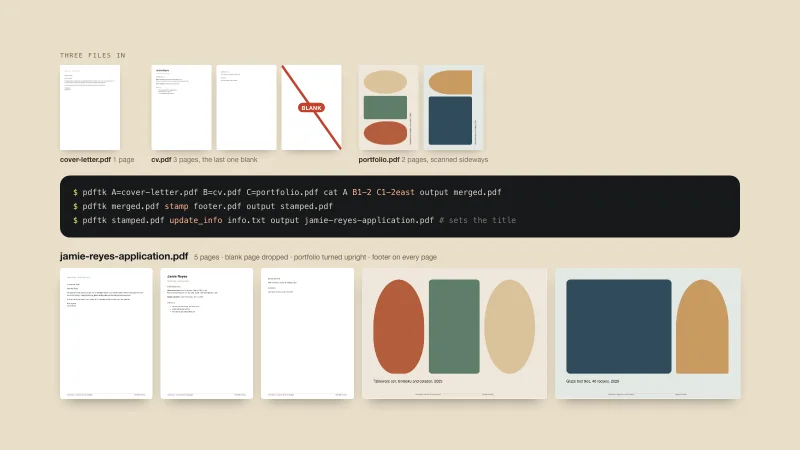
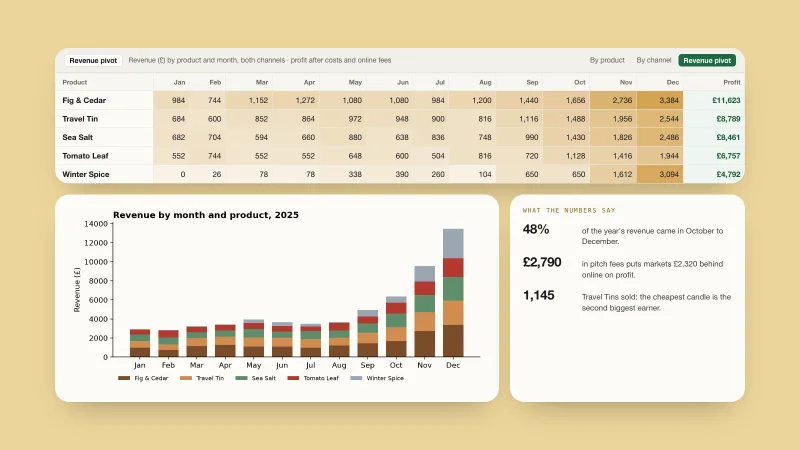
Reports, PDFs & spreadsheets

Websites & landing pages



Launch & explainer videos



Writing that sounds like you
SEO & marketing

Posters, banners & diagrams

Research & planning
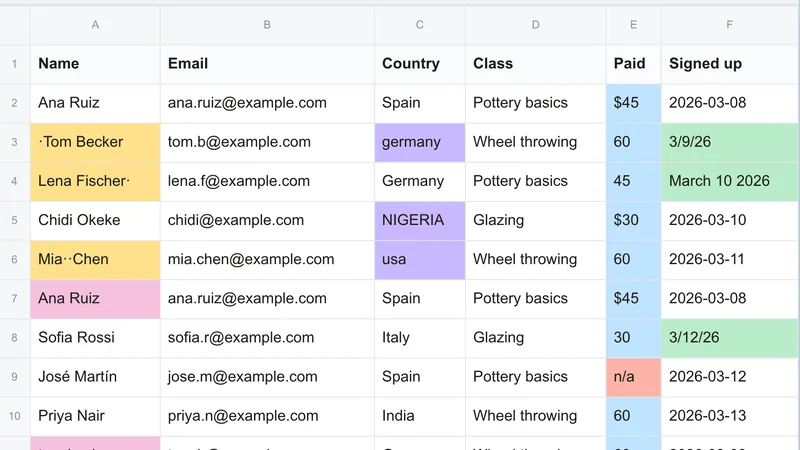
Data & spreadsheets
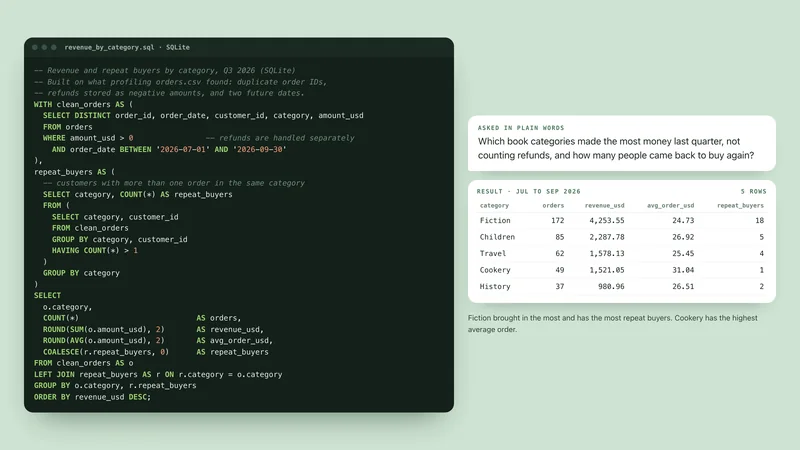
Coding & workflows
-
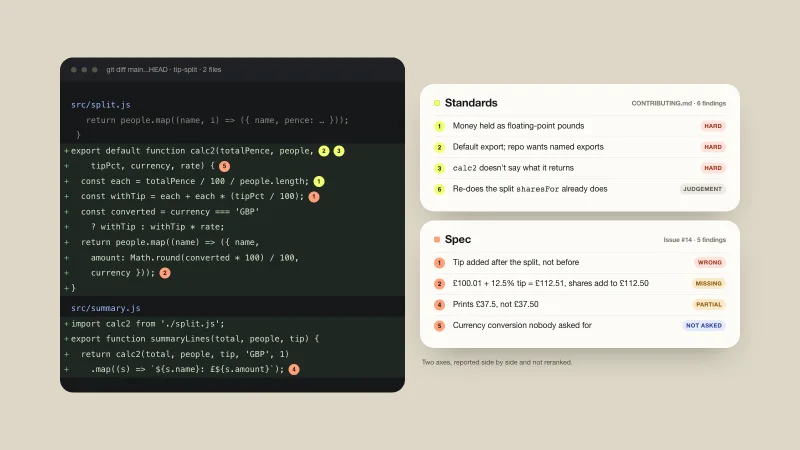
Code Review
Reviews a branch two ways at once: does it follow your coding standards, and does it match what was asked.
-
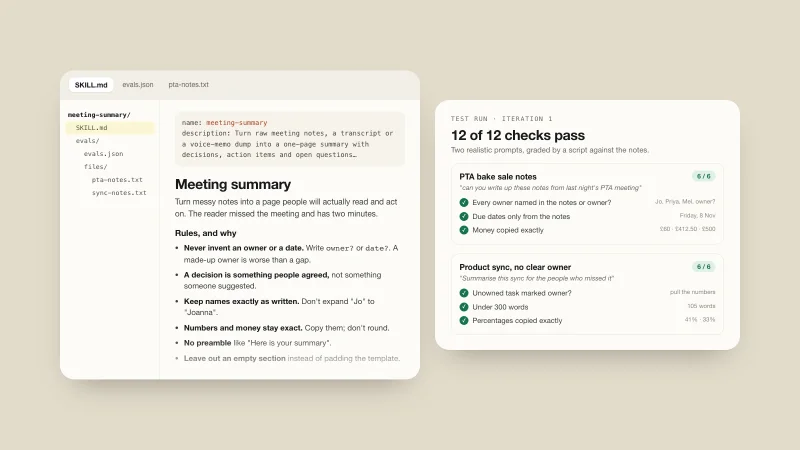
Skill Creator
-
Vercel Skills
-
Agent Browser
-
Git Guardrails
-
Git Worktrees
-
Security Hardening
-
Git Workflow
-
Git Commit
-
Security Audit
-
Security Best Practices
-
AWS CDK
-
Playwright Skill
-
CloudWatch Alerts
-
AWS Security
-
Everything Claude Code
-
n8n Skills
-
pstack
-
Python Pro
-
Supabase Skills
-
Superpowers
Gemini CLI skills, answered
New to skills? Read what a SKILL.md file is and how skills marketplaces work.
What are Gemini CLI skills?
Gemini CLI skills are folders of written instructions, sometimes with templates and small programs, that teach Gemini CLI how to do one kind of job. Gemini CLI reads a short description of each skill and opens the full instructions only when your request matches.
How do I add a skill to Gemini CLI?
Paste the install prompt below and Gemini CLI puts the skill in your skills folder. Gemini asks for your OK when a skill is activated. /skills enable and /skills disable turn skills on and off. Every skill page on this site repeats these steps for Gemini CLI, with the exact folder or button.
Where does Gemini CLI keep its skills?
In ~/.gemini/skills, or in .gemini/skills inside a project to use a skill there only. Gemini CLI also reads ~/.agents/skills.
Are there free Gemini CLI skills?
Yes. 26 of the 72 skills listed here are Free. The rest are Premium, which opens soon, or install from their author or are built into Claude.
Is there a Gemini CLI skills marketplace?
This page is a curated one: every skill has its own page, a plain description and install steps for Gemini CLI. For how marketplaces and directories compare, read the guide on skills marketplaces.
Skills for other apps
- ChatGPT skills
- Claude skills
- Codex skills
- Claude Code skills
- Cursor skills
- GitHub Copilot skills
- Windsurf skills
- Kiro skills
- Antigravity skills
- OpenCode skills
- Cline skills
- Amp skills
- Goose skills
- OpenClaw skills
- Hermes Agent skills
- VS Code skills
Gemini CLI is also searched as Google Gemini CLI.