Impeccable skill
Use Impeccable to critique or improve a website. Claude Code and Cursor can provide project tools, but its launcher also needs an executable engine. Claude chat setup has not been verified here.
Documentation checked on October 26, 2026. Our portfolio example followed the written guidance by hand; the engine did not run. These installation routes have not been tested here.
A Premium skill. Premium opens soon.
- By
- Paul Bakaus
- Licence
- Apache-2.0
- Installs
- 347.3K
- Install notes for
- 2 apps
What Impeccable makes
Impeccable is a full design toolkit for your AI. You can ask it to design something new, or run one of its commands on what you already have: critique a screen, audit it for accessibility and speed, polish it before launch, make it bolder or quieter, tidy the layout, fix the type, add motion, or improve button and error text.
It begins by loading your product context, so the design fits your brand, and it checks its work by looking at the result at the sizes it ships at. It treats each surface differently: a marketing page should persuade, a dashboard should be quick to scan, and a docs page should be easy to read.
Best for: Founders and builders who want a design reviewer and design builder in one skill.
- About two dozen commands, including critique, audit, polish, bolder, quieter, distill and harden
- Four modes: persuade, operate, read and experience
- Can write a DESIGN.md that records your design system
- Covers native iPhone and Android screens as well as web
- Checks the result visually before calling it done
Made with this skill
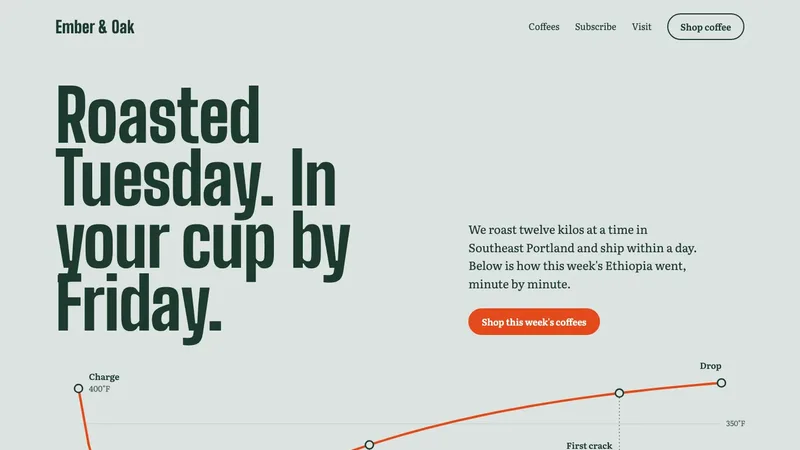
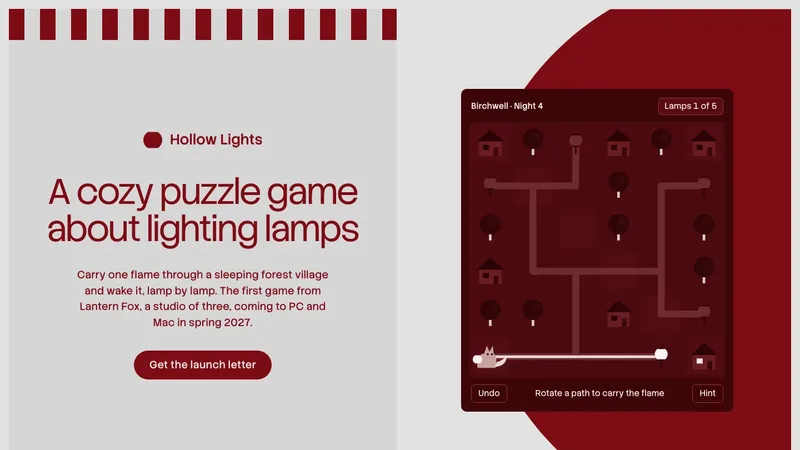
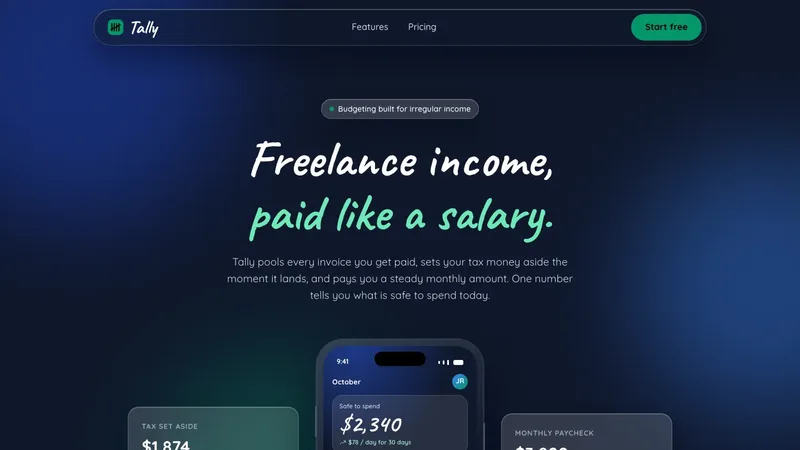
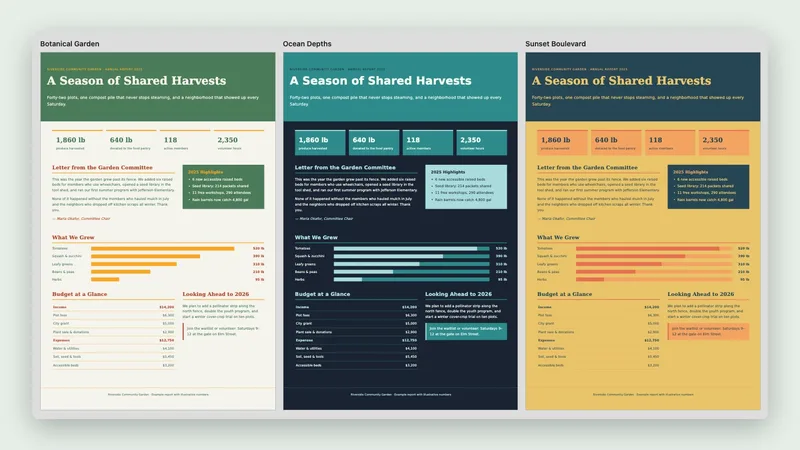
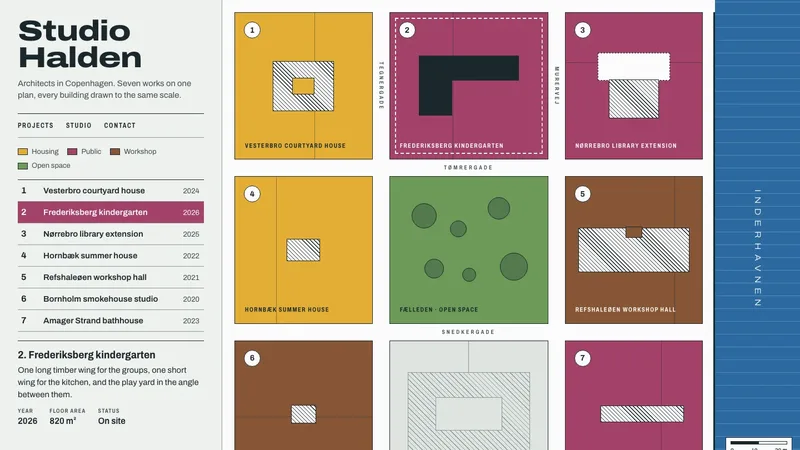
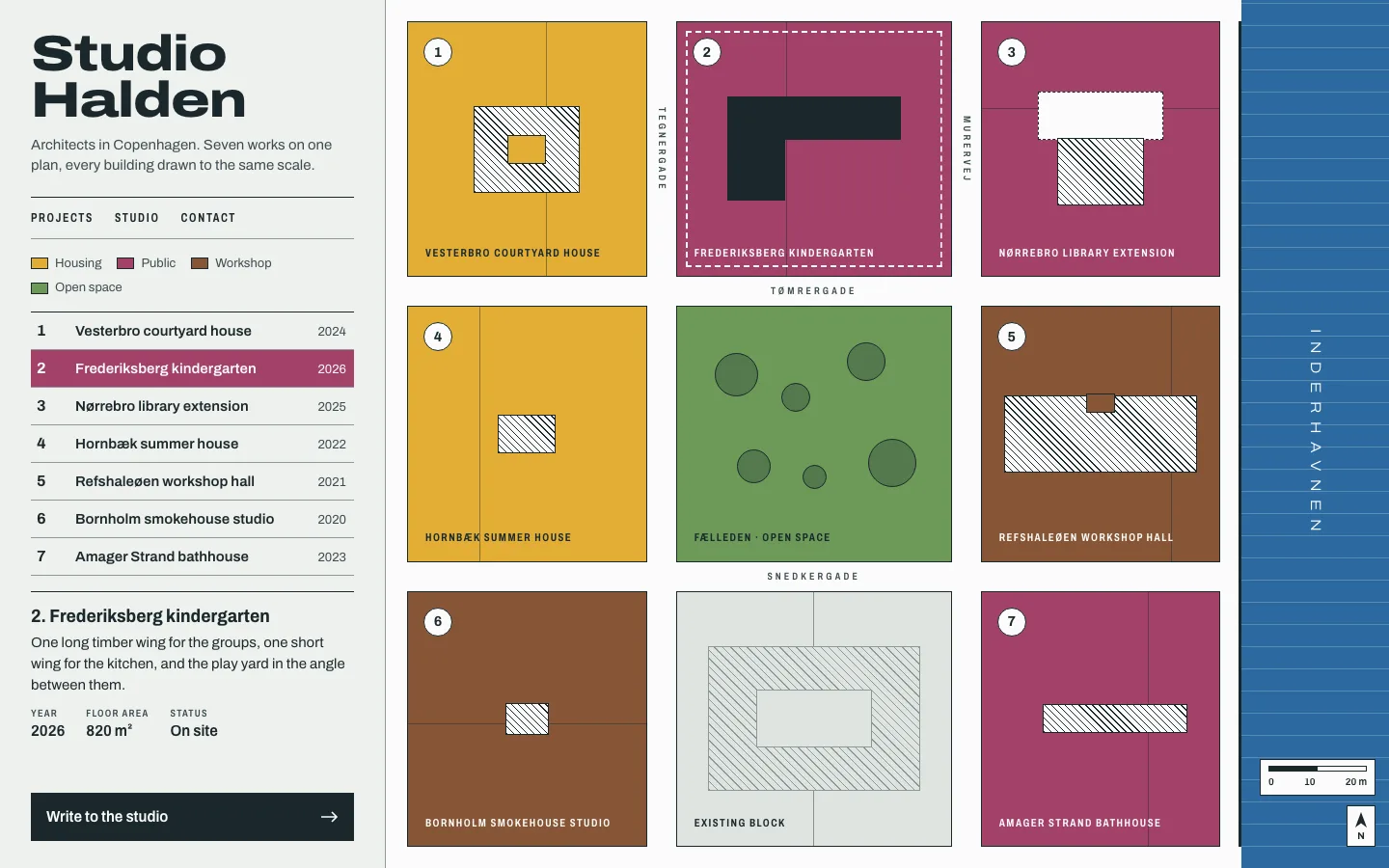
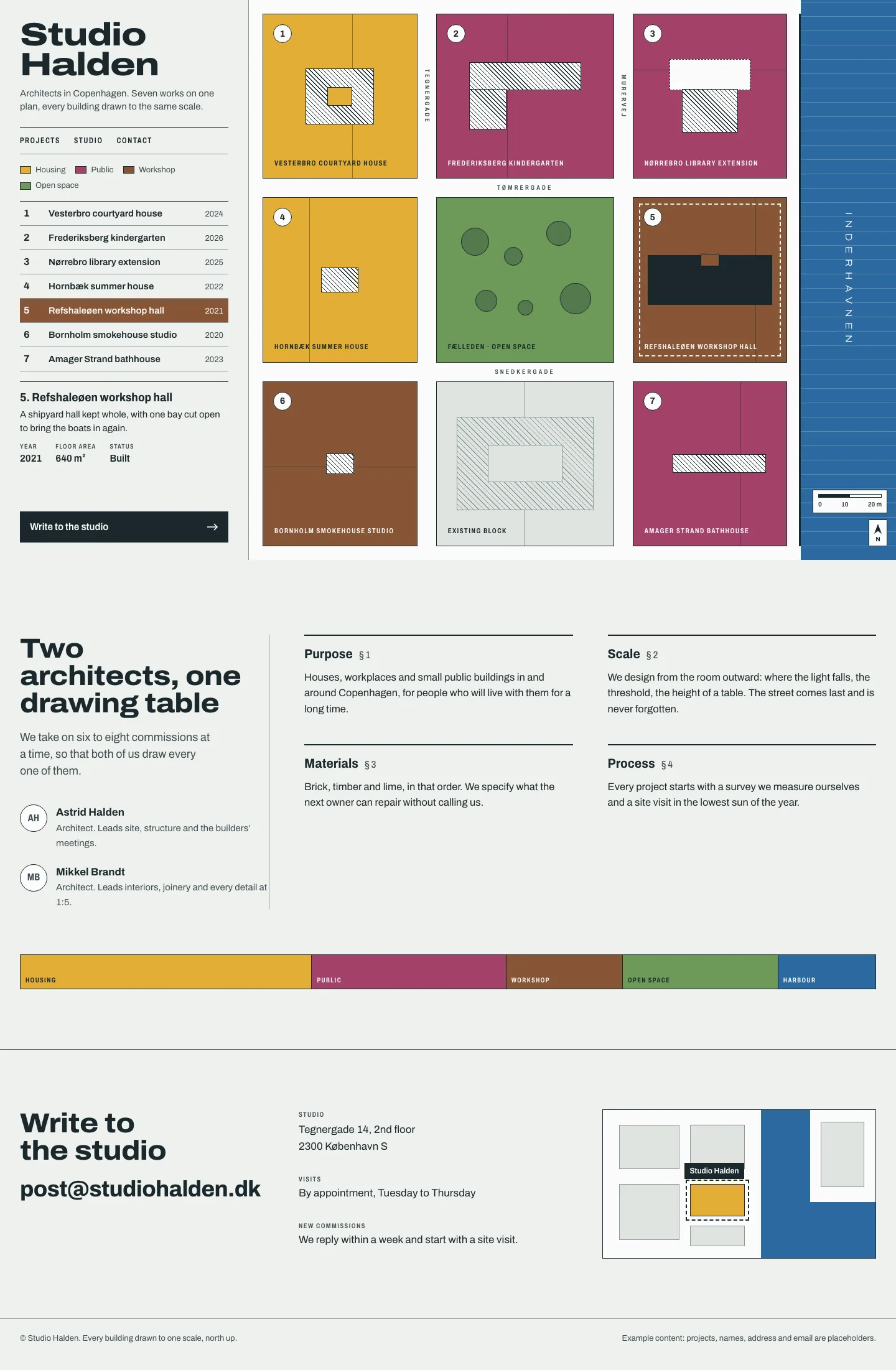
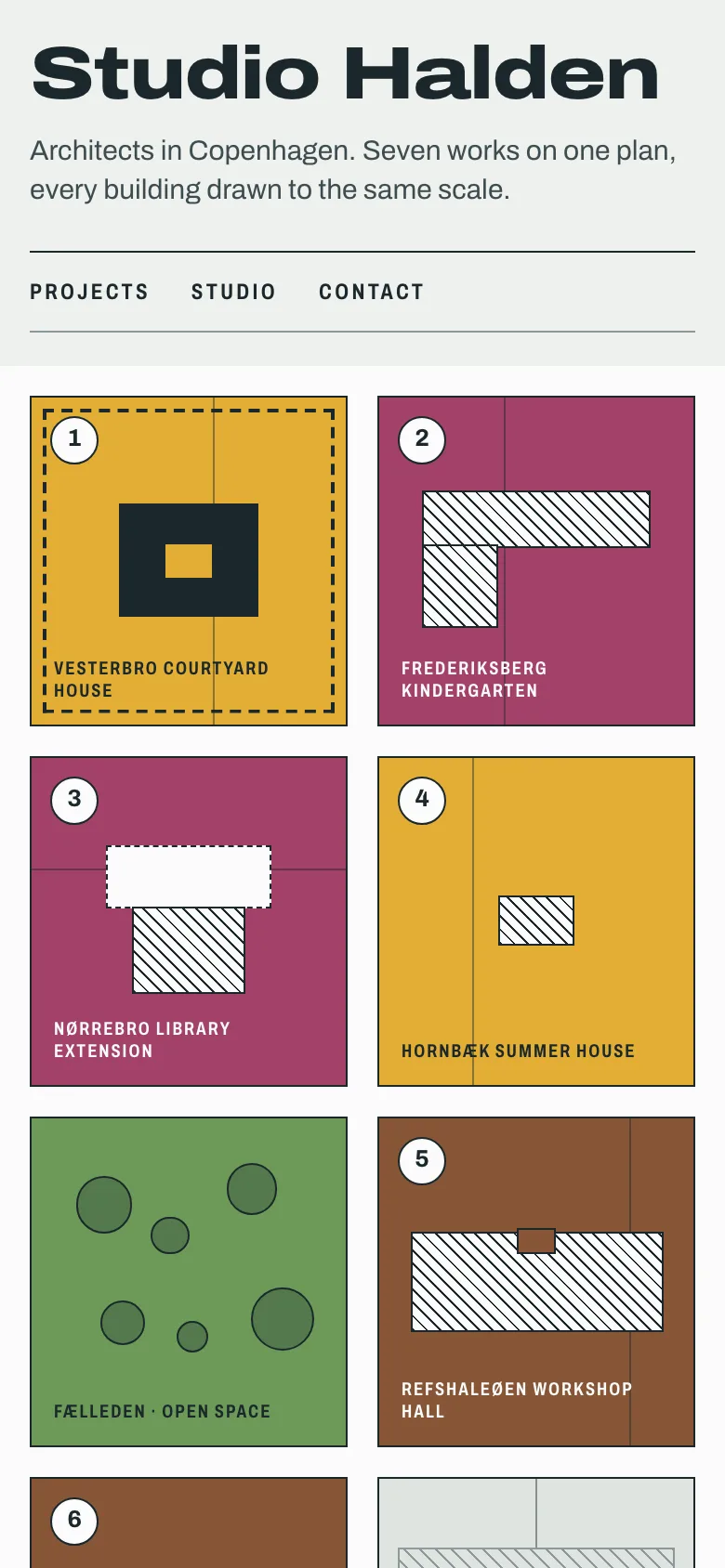
Studio Halden: a portfolio drawn as a zoning map. A portfolio homepage for "Studio Halden", a two-person architecture practice in Copenhagen: project grid (use CSS-drawn abstract building imagery, no stock photos), about, contact. Any brands, names or numbers inside are invented examples.
Example prompts
Type something like this once the skill is added. Your app opens the skill when the request matches.
-
Critique my pricing page and tell me the three biggest problems.
-
Make this dashboard quieter and easier to scan.
-
Design a portfolio for a two-person architecture studio in Copenhagen.
-
Polish this signup flow before launch and fix the error messages.
What’s inside
59 files in the skill folder, with its Apache-2.0 licence kept inside. 5 are program files your agent can run. Read them before you install.
- SKILL.md the instructions
- reference/ 45 files
- scripts/ 11 files
- LICENSE licence
- NOTICE.md
Choose an installation route
This review covers Claude Code and local Cursor. Other apps have not been checked here. Claude chat uploads do not establish support for project tools, plugin hooks or engine execution.
How to add Impeccable to your app
These routes install from the author. Downloads from Best Agent Skills are not open yet. A plugin installation may include files and hooks beyond our curated snapshot.
Claude Codeby Anthropic
- 1 In Claude Code chat, add the author’s plugin marketplace:
/plugin marketplace add pbakaus/impeccable - 2 Open /plugin and install Impeccable from the list. Review permissions and reload Claude Code.
- 3 Ask for a critique of one named page. Confirm that context loading ran and inspect the result. If the launcher fails, the skill describes a fallback that reads existing project context directly.
The launcher needs project files and a matching engine binary. If the engine is absent, first run needs network access and a writable cache. On Windows it uses impeccable.cmd when sh is unavailable. We have not tested this plugin or engine here.
Cursor
- 1 Open your project in Cursor. Ask Agent to install Impeccable for Cursor using the author’s installer, show what it will change and wait for your approval.
- 2 Review the selected provider and scope. The installer can add a Cursor hook as well as the skill. Reload Cursor, then check Customize > Skills.
- 3 Ask for a critique of one named page. Check whether context loading ran; seeing the skill in the menu does not prove the engine or hook ran.
For developers, run from the project folder: npx impeccable install --providers=cursor --scope=project
The npx installer needs Node.js/npm. The skill launcher itself uses a self-contained engine, which may need a first-run download and a writable cache. Cursor permissions, network rules and project dependencies still apply. This route has not been run here.
This skill includes 5 program files. That is normal for skills that build real files, but read them first, and stop if anything asks for passwords or outside downloads.
Questions about Impeccable
Do I have to learn the commands?
No. You can describe what you want in plain words. If you give it no instruction, it shows a menu based on your project.
Does it install anything?
Its launcher runs a small program that ships with the skill or is downloaded once on first run. It also needs to read your project files.
What does the portfolio example verify?
The architecture portfolio was built by following the written guidance by hand. It produced one HTML page with invented studio and project details. The engine did not run, so this example does not verify the installer, engine or hooks.
Can I use this in Claude chat?
The installation routes reviewed here are for Claude Code and Cursor. We have not verified the full workflow in Claude chat. Uploading instructions does not establish that its project tools, hooks or engine can run there.
Is the Impeccable skill free?
It is a Premium skill on Best Agent Skills. Premium opens soon, with monthly, yearly and lifetime plans on the pricing page.
Who made the Impeccable skill?
Paul Bakaus. We did not write it. Best Agent Skills curates skills like this one, explains them in plain words and shows how to add them to your app. It is shared under the Apache-2.0 licence (Copyright 2025 Paul Bakaus).