72 curated skills
Cursor skills
Use Cursor skills to review designs, plan code changes or debug a project. Choose a skill, check its dependencies, then add its folder to Cursor or use its documented plugin.
A discovered skill can still lack tools or dependencies. These notes cover local Cursor; cloud setup differs. Downloads here are not open yet.
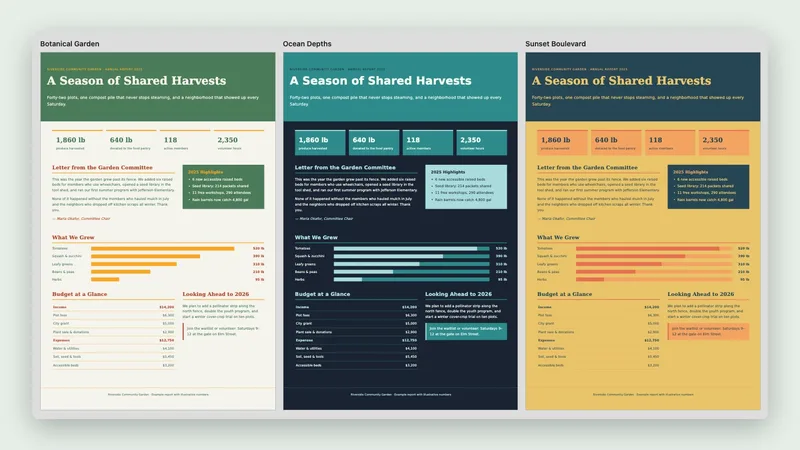
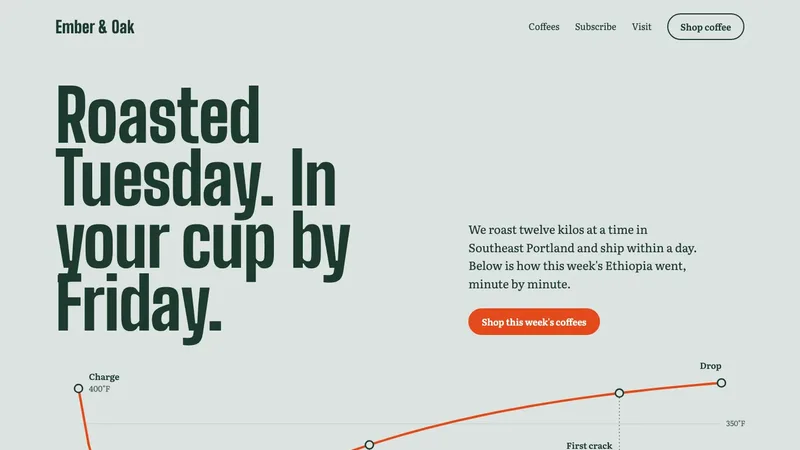
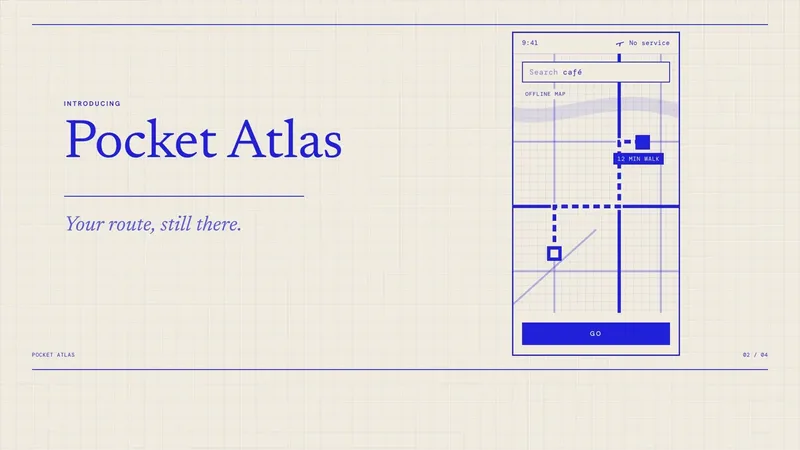

Start with these Cursor skills
Free catalog picks, ordered by recorded installs where available. Check each page’s tools and installation notes.
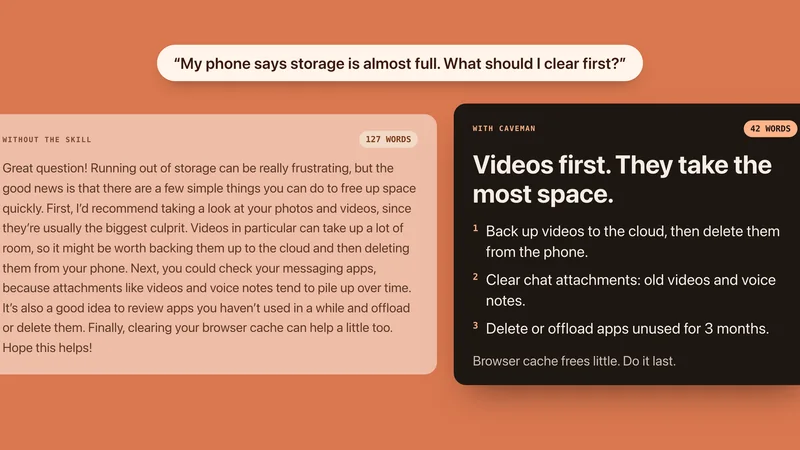
How to add a skill in Cursor
Cursor discovers skill folders and can run their scripts through Agent tools. Discovery alone does not confirm that a skill can run in your project. Documentation review, not a runtime test. Checked against Cursor’s own documentation on Oct 26, 2026.
- For a skill you already have, keep SKILL.md and its supporting files together in .cursor/skills/<skill-name>/ inside your project. Use ~/.cursor/skills/<skill-name>/ for local personal skills.
- Start a new Agent chat. Open Customize > Skills to check that the skill is discovered, or type / in chat and search for its name.
- Try a small task and inspect the result. Scripts still need their dependencies, file access and any permissions required by your Run Mode. A skill appearing in the menu is only a discovery check.
- Skills folder:
~/.cursor/skills- Also reads:
- ~/.agents/skills, ~/.claude/skills, ~/.codex/skills
- In one project:
.cursor/skills
These steps cover local Cursor. Personal skill folders do not automatically reach cloud or remote sessions. Cloud Agents can use synced ~/.cursor/skills/ skills; repository skills are needed for automations. Scripts can be limited by sandbox file and network rules or team settings.
All 72 skills for Cursor
Grouped by intended task. A shared skill format does not guarantee that every script or workflow can run in your environment.
Pitch decks & slides


Reports, PDFs & spreadsheets
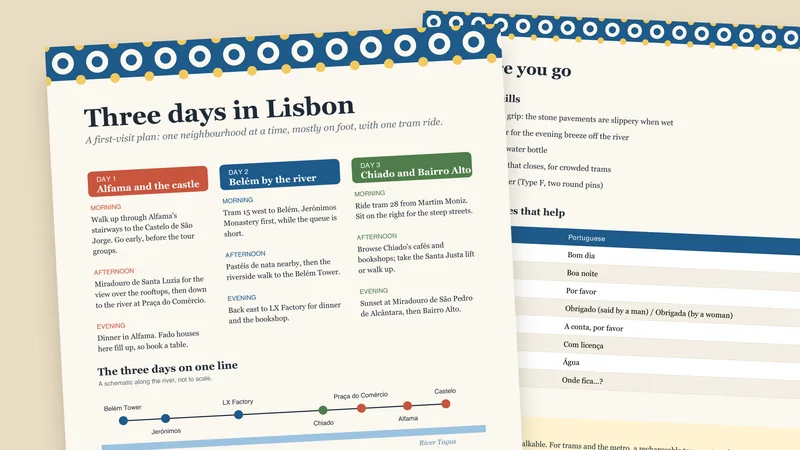
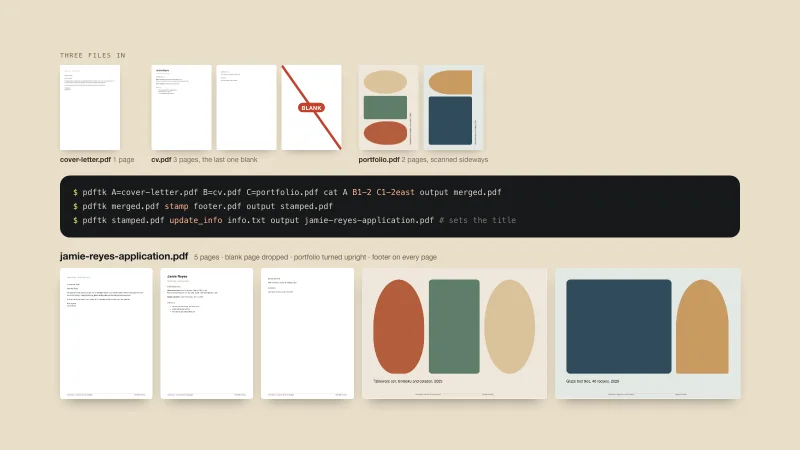
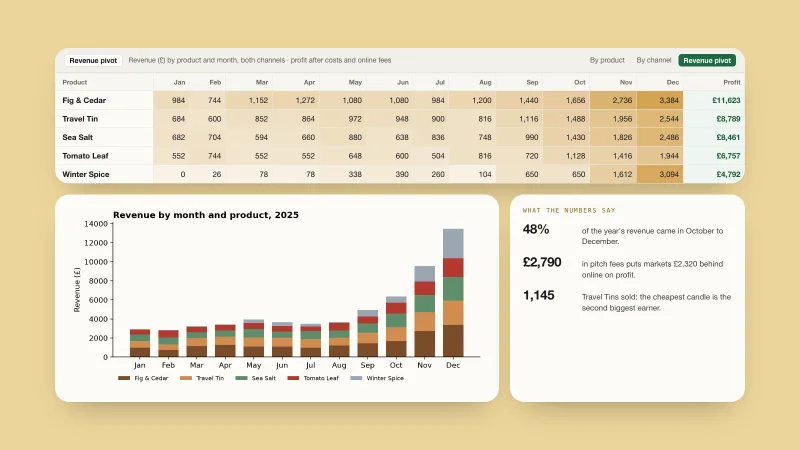
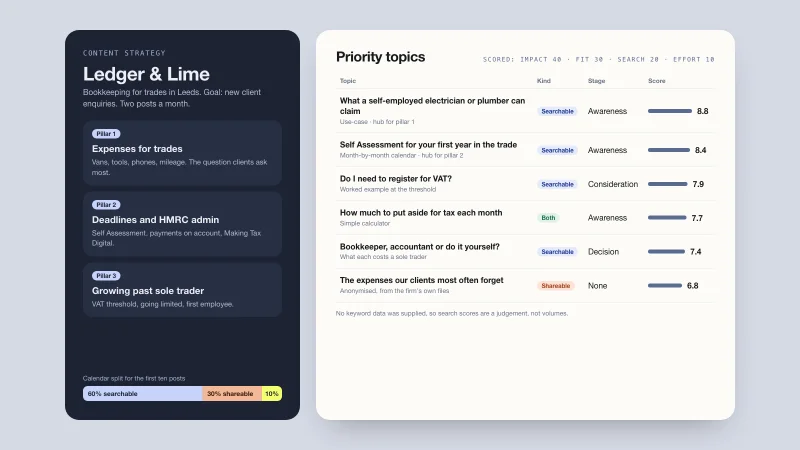
Websites & landing pages

Launch & explainer videos



Writing that sounds like you
SEO & marketing

Posters, banners & diagrams

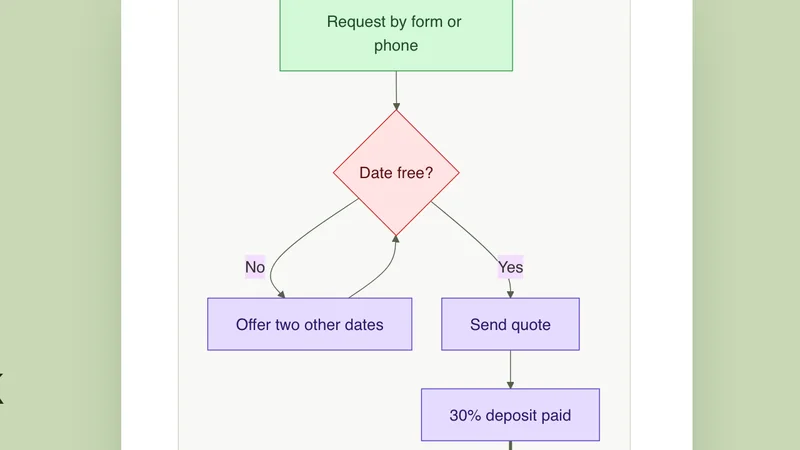
Research & planning
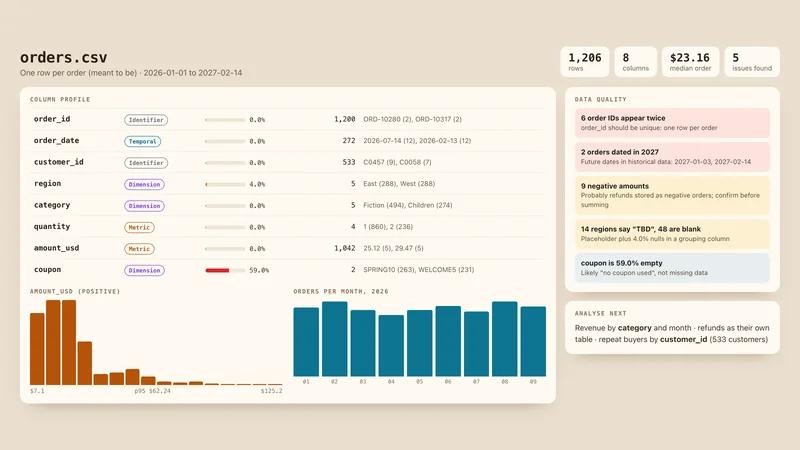
Data & spreadsheets

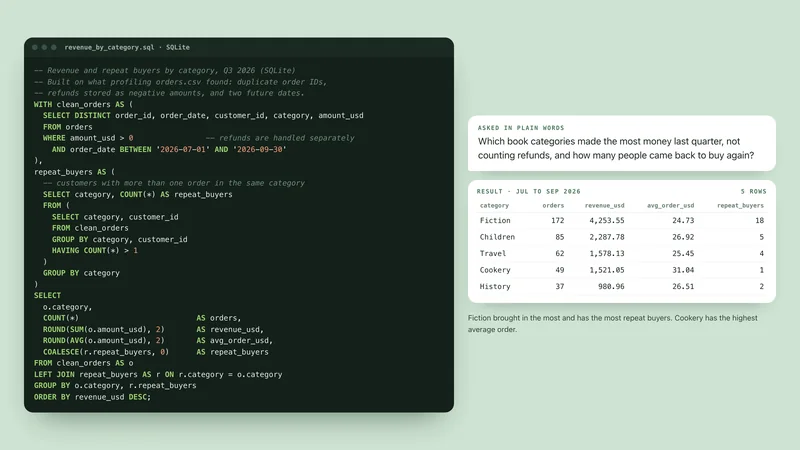
Coding & workflows
-
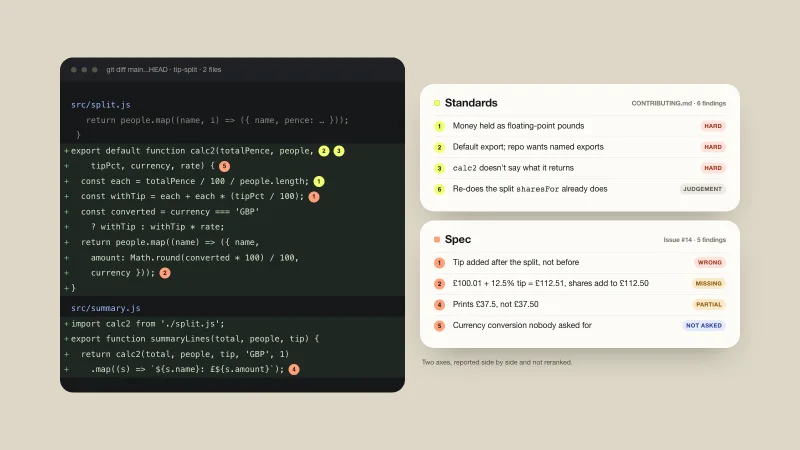
Code Review
Reviews a branch two ways at once: does it follow your coding standards, and does it match what was asked.
-
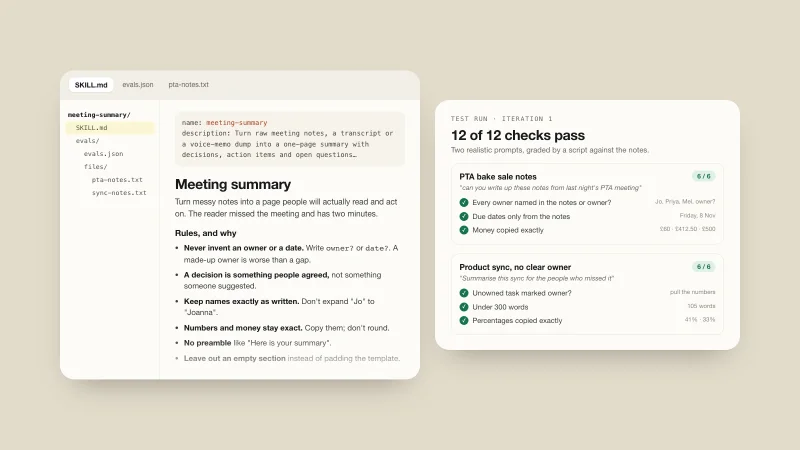
Skill Creator
-
Vercel Skills
-
Agent Browser
-
Git Guardrails
-
Git Worktrees
-
Security Hardening
-
Git Workflow
-
Git Commit
-
Security Audit
-
Security Best Practices
-
AWS CDK
-
Playwright Skill
-
CloudWatch Alerts
-
AWS Security
-
Everything Claude Code
-
n8n Skills
-
pstack
-
Python Pro
-
Supabase Skills
-
Superpowers
Cursor skills, answered
New to skills? Read what a SKILL.md file is and how skills marketplaces work.
How are Cursor skills different from rules?
Skills package a task workflow with instructions and optional scripts or references. Cursor discovers them and loads them when relevant, or you can choose one from the / menu. Rules can apply broadly or to matching files. Some dynamic rules can be migrated to skills; rules marked alwaysApply or scoped with globs are not migrated by that tool.
What are Cursor skills?
Cursor skills are folders of written instructions, sometimes with templates and small programs, that teach Cursor how to do one kind of job. Cursor reads a short description of each skill and opens the full instructions only when your request matches.
How do I add a skill to Cursor?
For a skill you already have, keep SKILL.md and its supporting files together in .cursor/skills/<skill-name>/ inside your project. Use ~/.cursor/skills/<skill-name>/ for local personal skills. Start a new Agent chat. Open Customize > Skills to check that the skill is discovered, or type / in chat and search for its name. Try a small task and inspect the result. Scripts still need their dependencies, file access and any permissions required by your Run Mode. A skill appearing in the menu is only a discovery check. Check the skill’s own requirements before installing. Downloads here are not open yet.
Where does Cursor keep its skills?
In ~/.cursor/skills, or in .cursor/skills inside a project to use a skill there only. Cursor also reads ~/.agents/skills, ~/.claude/skills, ~/.codex/skills.
Are there free Cursor skills?
Yes. 26 of the 72 skills listed here are Free. The rest are Premium, which opens soon, or install from their author or are built into Claude.
Is there a Cursor skills marketplace?
This page is a curated one: every skill has its own page, a plain description and install steps for Cursor. For how marketplaces and directories compare, read the guide on skills marketplaces.