Remotion Skills
Skills that let your agent make videos from code with Remotion, from titles to maps to captions.
Installed from its author’s own release. We describe it and show the commands.
- By
- Remotion
- Licence
- None found
- Works in
- 15 apps
What Remotion Skills makes
Remotion makes videos by writing code. These skills from the Remotion team teach an agent how to do it: create a project, lay out and animate scenes, add captions and maps, preview in the Studio and render the final video.
There are 12 skills, from a general best-practices guide to focused ones for captions, maps, rendering and upgrades. The repo has no licence file, so we show the install command and do not offer a download.
Best for: People who want to produce videos with an AI agent and are comfortable running a small project on their computer.
- remotion-create: start a new project, for example a promo video for a record store.
- remotion-markup: animate titles, layout and typography.
- remotion-captions: guidance for captions and subtitles.
- remotion-maps: animated routes and geographic explainers.
- remotion-render: render the finished video or a still image.
Made with this skill
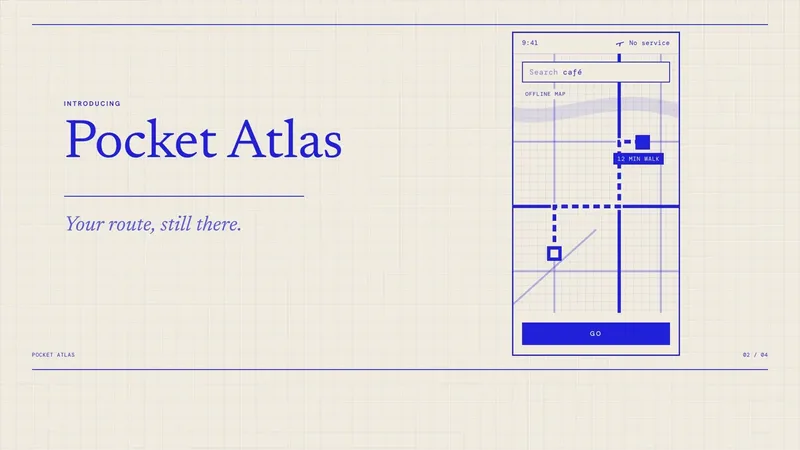
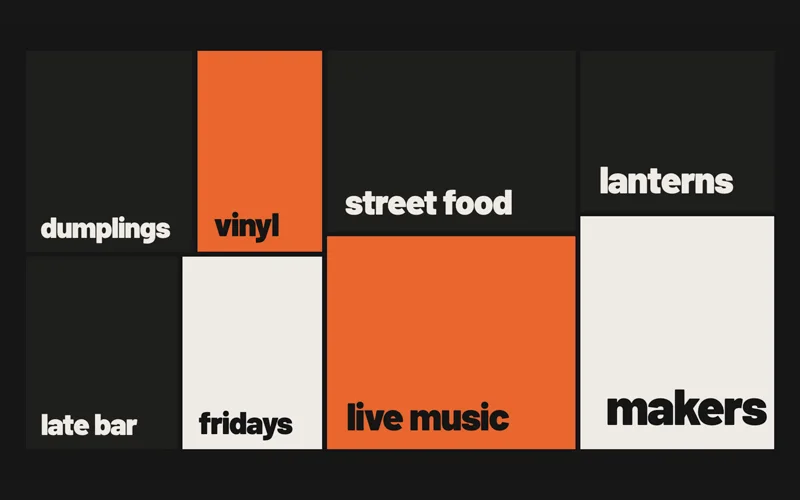
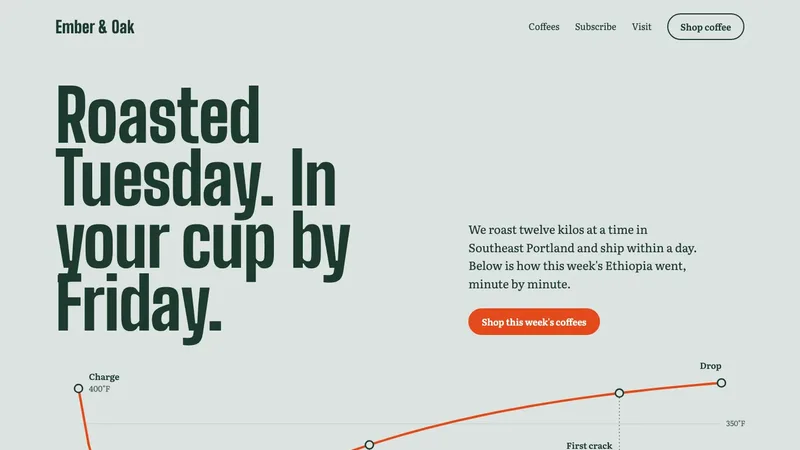
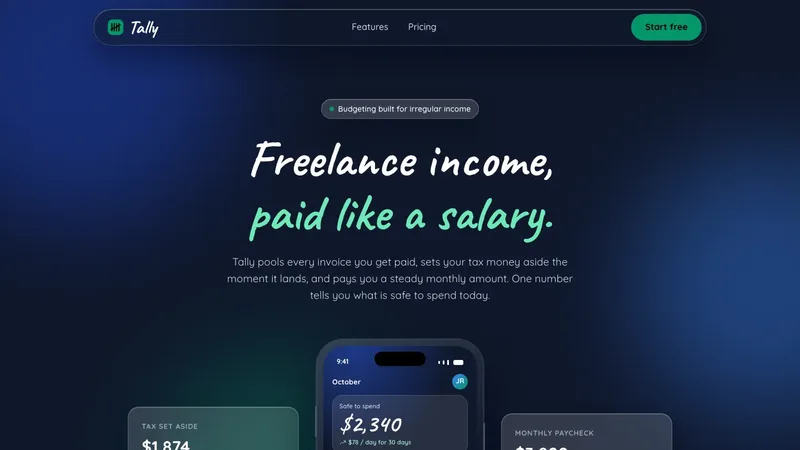
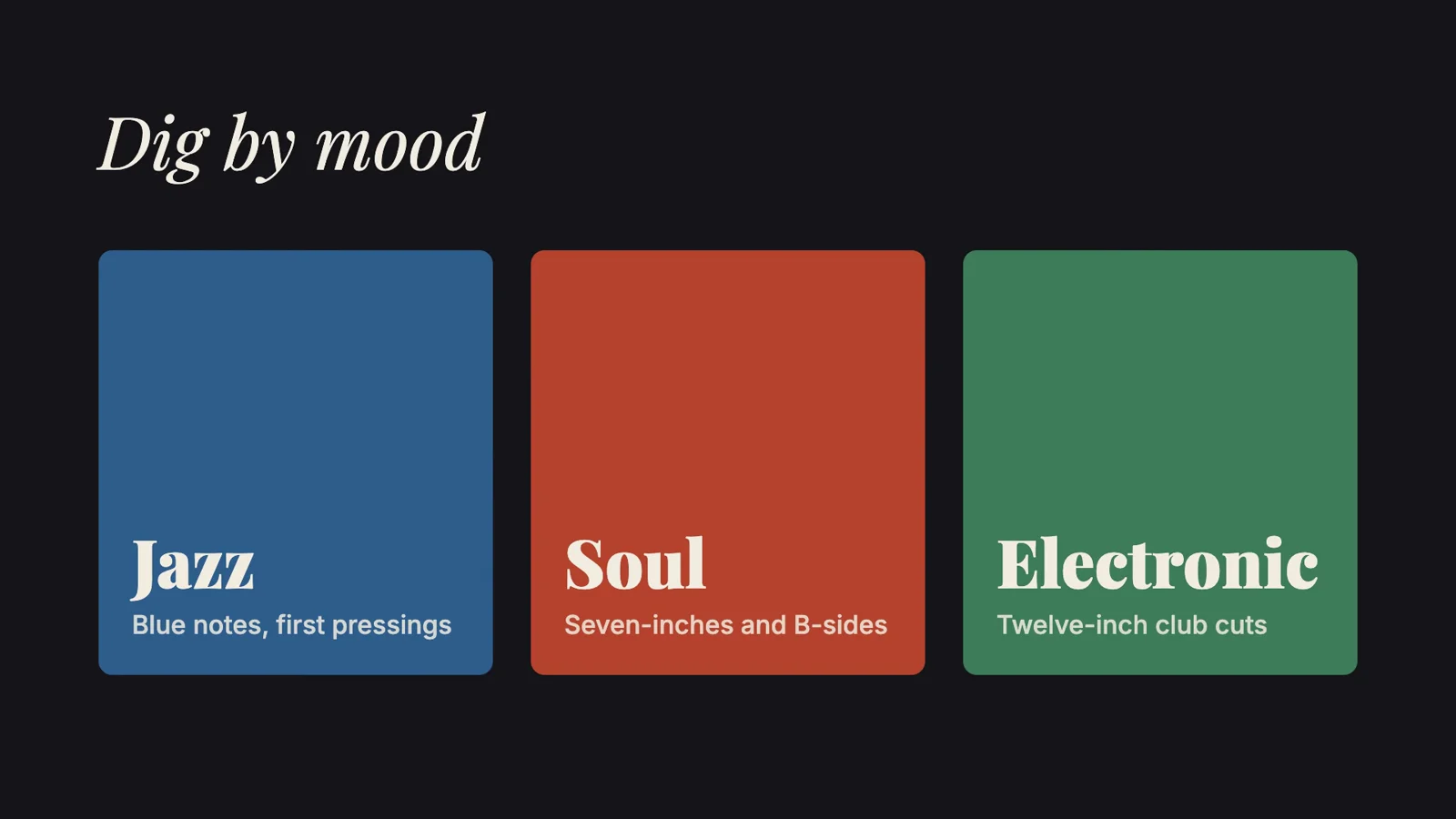
Side B Records — an 8-second promo made in Remotion. "Make a promo video for a record store." (the skill page's example prompt). Answers given with the brief: 16:9, about 8 seconds, silent, no photos, and please render the MP4. Any brands, names or numbers inside are invented examples.



Example prompts
Type something like this once the skill is added. Your app opens the skill when the request matches.
-
Make a promo video for a record store.
-
Animate a route from Los Angeles to New York and make the camera follow it.
-
Create an animated title card using a clean sans font.
-
Add captions to my video.
What’s inside
This one is installed from its author’s own release, so we do not list its files here. The commands below fetch it. Read what it installs before you run it.
Which apps it works in
A skill is a folder of plain files, so any app that reads the open skills format can use it. Pick your app for its page.
How to add Remotion Skills to your app
Step by step for each app. We say where to click, so you never need to leave this page.
Codexby OpenAI
- 1 Open a terminal on your computer, or ask your agent to run the command for you.
- 2 Run this command:
npx skills add remotion-dev/skills -a codex - 3 Start a new session so the skill is picked up. Ask for what you want, for example: “Make a promo video for a record store.”
We do not host a download of this skill. Read what it installs before you run it.
Claude Codeby Anthropic
- 1 Open a terminal on your computer, or ask your agent to run the command for you.
- 2 Run this command:
npx skills add remotion-dev/skills -a claude-code - 3 Start a new session so the skill is picked up. Ask for what you want, for example: “Make a promo video for a record store.”
We do not host a download of this skill. Read what it installs before you run it.
Cursor
- 1 Open a terminal on your computer, or ask your agent to run the command for you.
- 2 Run this command:
npx skills add remotion-dev/skills -a cursor - 3 Start a new session so the skill is picked up. Ask for what you want, for example: “Make a promo video for a record store.”
We do not host a download of this skill. Read what it installs before you run it.
GitHub Copilotby GitHub
- 1 Open a terminal on your computer, or ask your agent to run the command for you.
- 2 Run this command:
npx skills add remotion-dev/skills -a github-copilot - 3 Start a new session so the skill is picked up. Ask for what you want, for example: “Make a promo video for a record store.”
We do not host a download of this skill. Read what it installs before you run it.
Gemini CLIby Google
- 1 Open a terminal on your computer, or ask your agent to run the command for you.
- 2 Run this command:
npx skills add remotion-dev/skills -a gemini-cli - 3 Start a new session so the skill is picked up. Ask for what you want, for example: “Make a promo video for a record store.”
We do not host a download of this skill. Read what it installs before you run it.
Windsurf
- 1 Open a terminal on your computer, or ask your agent to run the command for you.
- 2 Run this command:
npx skills add remotion-dev/skills -a windsurf - 3 Start a new session so the skill is picked up. Ask for what you want, for example: “Make a promo video for a record store.”
We do not host a download of this skill. Read what it installs before you run it.
Kiro
- 1 Open a terminal on your computer, or ask your agent to run the command for you.
- 2 Run this command:
npx skills add remotion-dev/skills -a kiro-cli - 3 Start a new session so the skill is picked up. Ask for what you want, for example: “Make a promo video for a record store.”
We do not host a download of this skill. Read what it installs before you run it.
Antigravityby Google
- 1 Open a terminal on your computer, or ask your agent to run the command for you.
- 2 Run this command:
npx skills add remotion-dev/skills -a antigravity - 3 Start a new session so the skill is picked up. Ask for what you want, for example: “Make a promo video for a record store.”
We do not host a download of this skill. Read what it installs before you run it.
OpenCode
- 1 Open a terminal on your computer, or ask your agent to run the command for you.
- 2 Run this command:
npx skills add remotion-dev/skills -a opencode - 3 Start a new session so the skill is picked up. Ask for what you want, for example: “Make a promo video for a record store.”
We do not host a download of this skill. Read what it installs before you run it.
Cline
- 1 Open a terminal on your computer, or ask your agent to run the command for you.
- 2 Run this command:
npx skills add remotion-dev/skills -a cline - 3 Start a new session so the skill is picked up. Ask for what you want, for example: “Make a promo video for a record store.”
We do not host a download of this skill. Read what it installs before you run it.
Amp
- 1 Open a terminal on your computer, or ask your agent to run the command for you.
- 2 Run this command:
npx skills add remotion-dev/skills -a amp - 3 Start a new session so the skill is picked up. Ask for what you want, for example: “Make a promo video for a record store.”
We do not host a download of this skill. Read what it installs before you run it.
Gooseby Block
- 1 Open a terminal on your computer, or ask your agent to run the command for you.
- 2 Run this command:
npx skills add remotion-dev/skills -a goose - 3 Start a new session so the skill is picked up. Ask for what you want, for example: “Make a promo video for a record store.”
We do not host a download of this skill. Read what it installs before you run it.
OpenClaw
- 1 Open a terminal on your computer, or ask your agent to run the command for you.
- 2 Run this command:
npx skills add remotion-dev/skills -a openclaw - 3 Start a new session so the skill is picked up. Ask for what you want, for example: “Make a promo video for a record store.”
We do not host a download of this skill. Read what it installs before you run it.
Hermes Agentby Nous Research
- 1 Open a terminal on your computer, or ask your agent to run the command for you.
- 2 Run this command:
npx skills add remotion-dev/skills -a hermes-agent - 3 Start a new session so the skill is picked up. Ask for what you want, for example: “Make a promo video for a record store.”
We do not host a download of this skill. Read what it installs before you run it.
VS Codeby Microsoft
- 1 Open a terminal on your computer, or ask your agent to run the command for you.
- 2 Run this command:
npx skills add remotion-dev/skills - 3 Start a new session so the skill is picked up. Ask for what you want, for example: “Make a promo video for a record store.”
We do not host a download of this skill. Read what it installs before you run it.
Questions about Remotion Skills
Do I need to know how to code?
Remotion is code based, but the agent writes it. You will still need to run a project on your own machine.
Why no download?
No licence file is published with these skills, so we link nothing to download. Install straight from the source with the command below.
Is the Remotion Skills skill free?
The skill is free to install from its author. We describe it and show the install commands, and we do not host a download.
Who made the Remotion Skills skill?
Remotion. We did not write it. Best Agent Skills curates skills like this one, explains them in plain words and shows how to add them to your app. It is shared under the None found licence.