15 curated skills
Design skills
Left alone, an agent builds the same page every time. Design skills give it taste: a point of view, a type scale, spacing rules, and a list of habits to avoid. These are the design and UI skills we picked for work that does not look generated.
Design skills
-
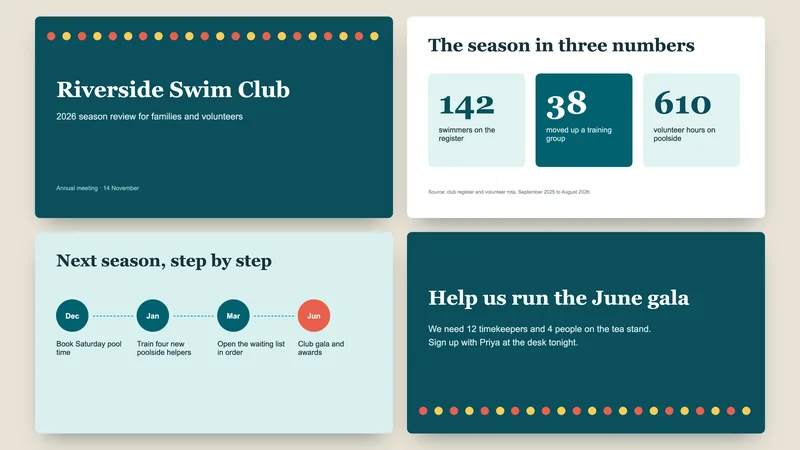
PowerPoint Decks
Creates, edits and reads PowerPoint files: pitch decks, slide decks, merging or splitting slides.
-
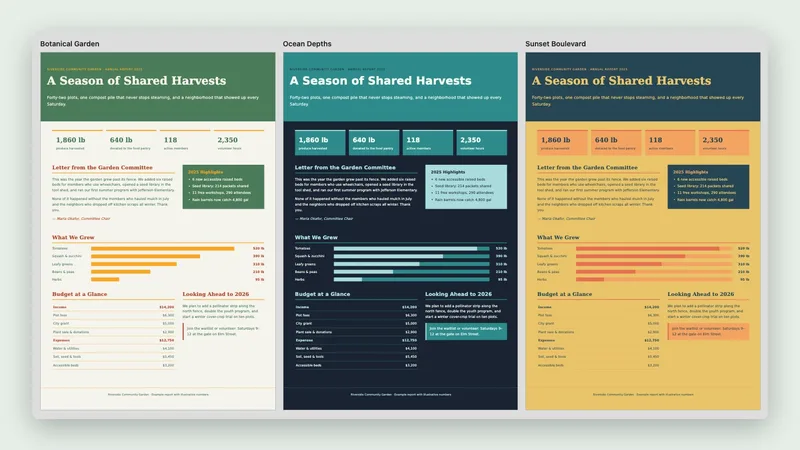
Theme Factory
Applies one of 10 ready-made themes (colors and fonts) to slides, docs, reports or landing pages.
-

Strategic Slides
Writes browser-based presentations with charts, consistent design and copywriting formulas per slide.
-
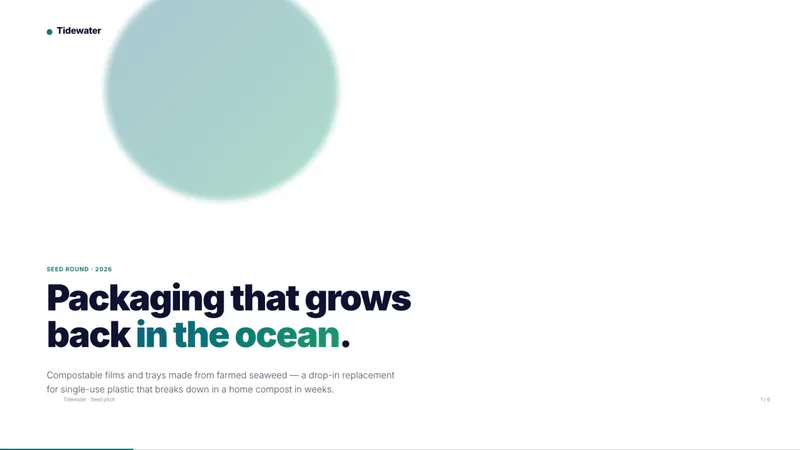
HTML PPT Studio
-
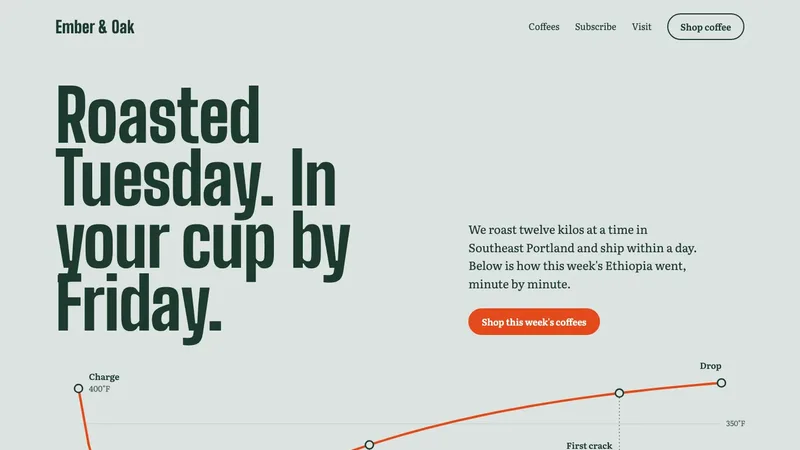
Frontend Design
-
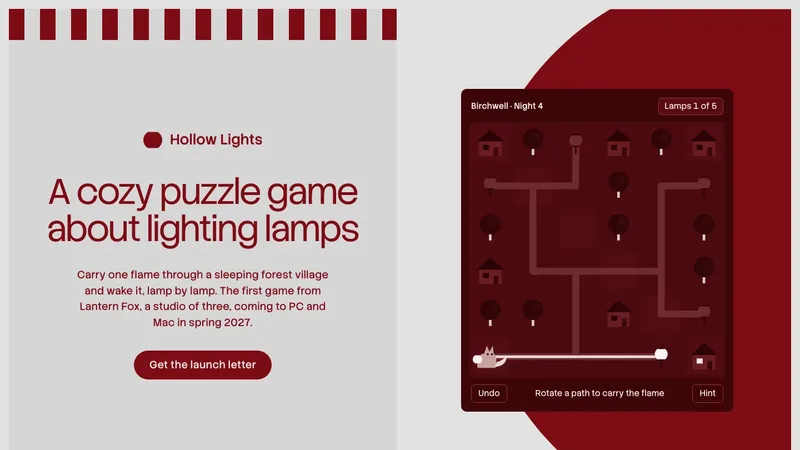
Taste Skill
-
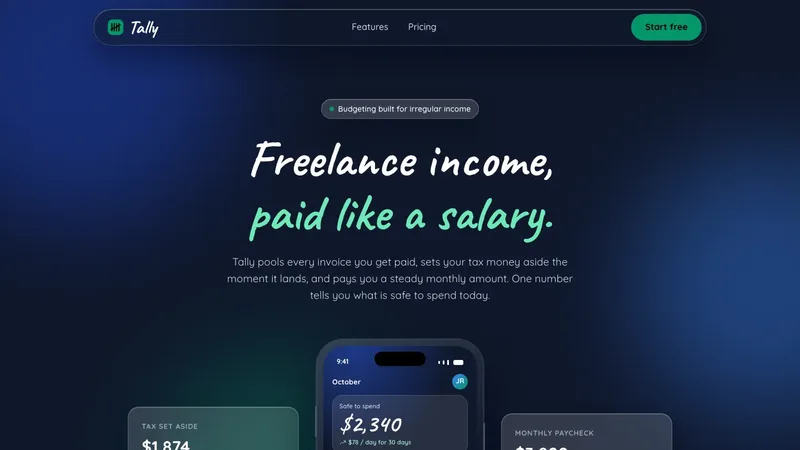
UI UX Pro Max
-
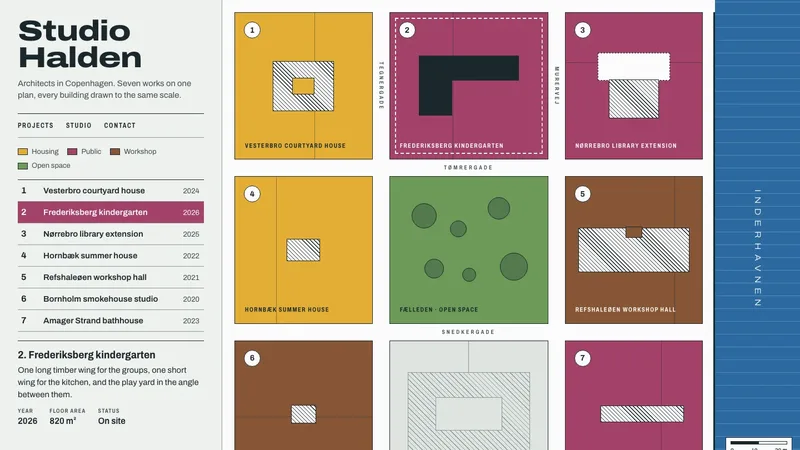
Impeccable
-

Remotion Skills
-
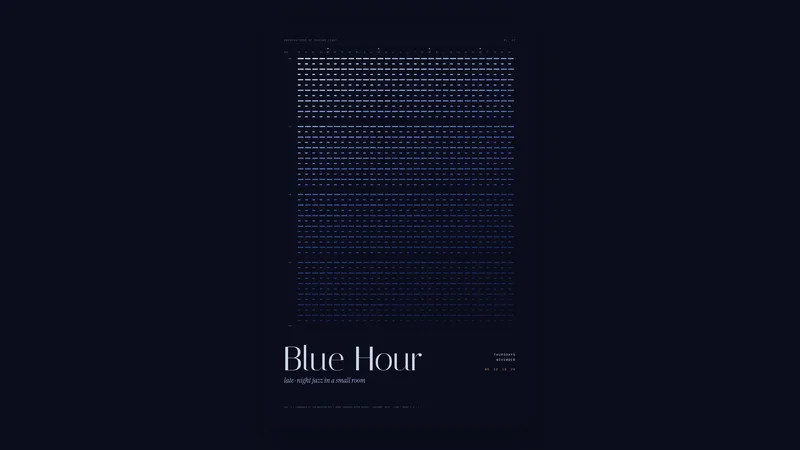
Canvas Design
-
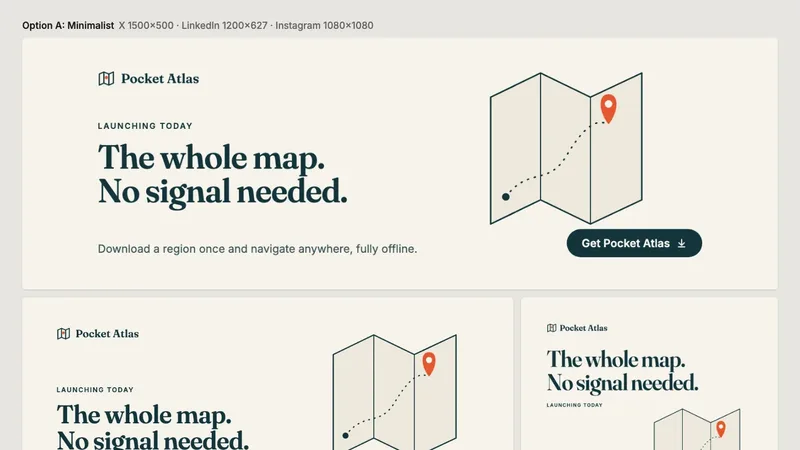
Banner Design
-
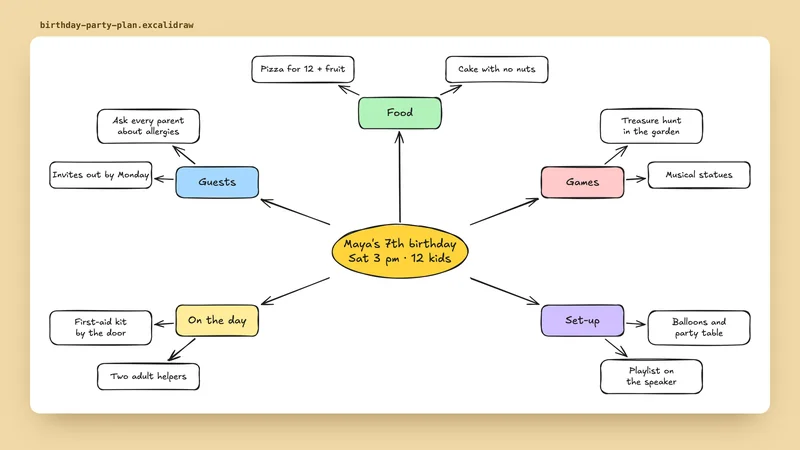
Excalidraw Diagrams
-
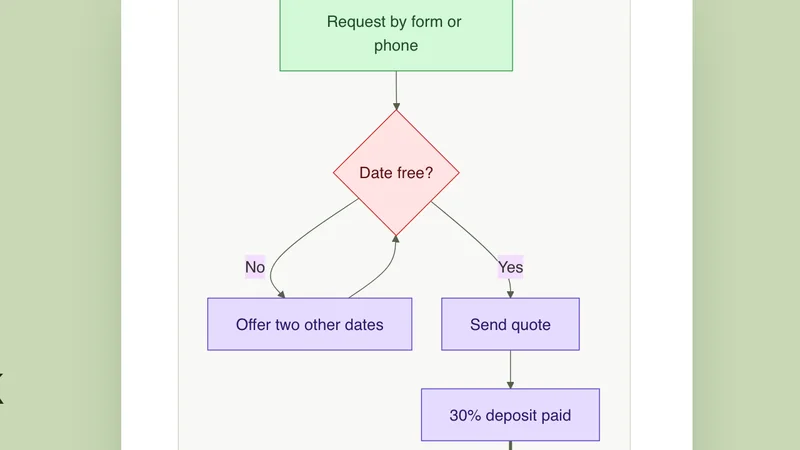
Mermaid Diagrams
-
YouTube Thumbnails
-
Vercel Skills
How to choose
Picked for taste, not piled up. A few things worth checking before you add one.
- 1Pick one main design skill. Stacking several can pull in different directions.
- 2Look at the real example output on the skill page, not just the description.
- 3Pair a design skill with a theme skill if you need consistent colours and fonts.
Add them to the app you use
Every skill here works in these apps (a few are built into Claude). Pick yours for the install steps.
New to skills? Read how to find skills worth installing and what a SKILL.md file is.
Questions people ask
What is the difference between a UI skill and a UX skill?
UI is how it looks: colour, type, spacing. UX is how it works: flow, clarity, the steps a person takes. Several skills here cover both.
Which design skills are free?
1 of the 15 are Free, 13 are Premium and 1 is built into the Claude app. Each skill page shows its tier at the top.
How do I add one of these skills to Claude, Codex or Cursor?
Open the skill’s page and scroll to the install steps. Every skill lists steps for each app in words: where to click, or which folder to put it in. Most take one upload or one paste.