3 curated skills
PDF skills
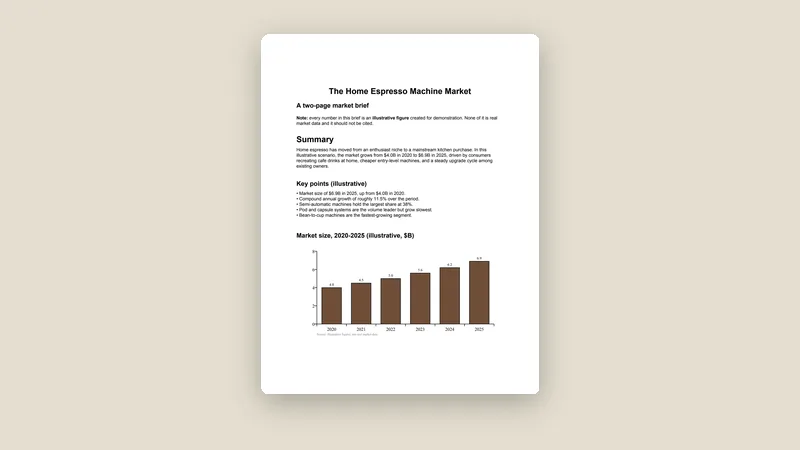
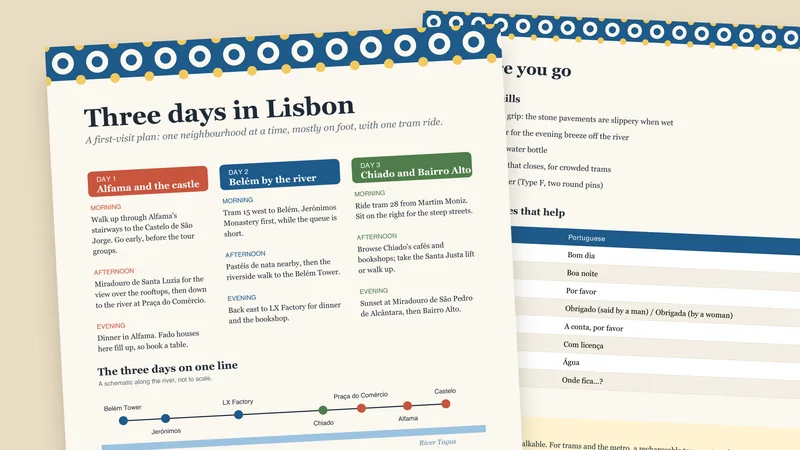
PDF skills let your agent do the fiddly work: fill a form, merge two files, pull a table out of a report, or build a clean PDF from scratch. These are the PDF skills we picked.
PDF skills
How to choose
Picked for taste, not piled up. A few things worth checking before you add one.
- 1Claude has a PDF skill built in. Try it first.
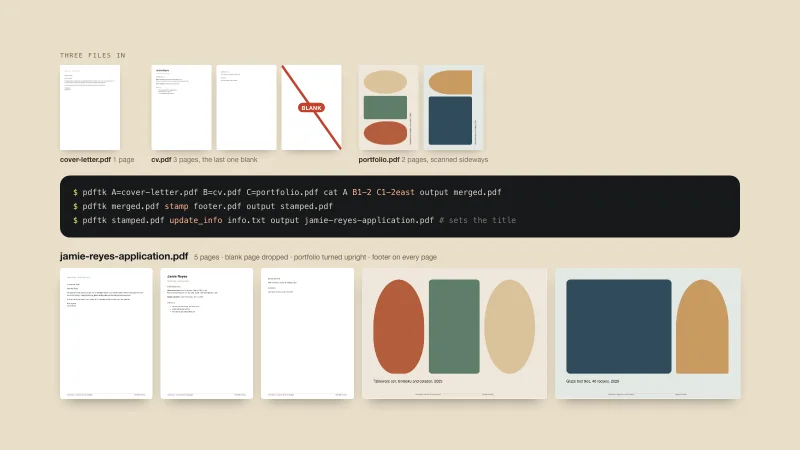
- 2For command-line style merging, splitting and rotating, look at the PDFtk skill.
- 3Scanned pages need text recognition. Read the skill page to see what it covers.
Add them to the app you use
Every skill here works in these apps (a few are built into Claude). Pick yours for the install steps.
New to skills? Read how to find skills worth installing and what a SKILL.md file is.
Questions people ask
Can a skill edit a scanned PDF?
Only if the skill supports text recognition. Each skill page lists what the skill does, so check before you rely on it.
Which pdf skills are free?
1 of the 3 are Free, 1 are Premium and 1 is built into the Claude app. Each skill page shows its tier at the top.
How do I add one of these skills to Claude, Codex or Cursor?
Open the skill’s page and scroll to the install steps. Every skill lists steps for each app in words: where to click, or which folder to put it in. Most take one upload or one paste.