Word Documents skill
Writes and edits Word files with proper headings, tables of contents, page numbers and letterheads.
Built into the Claude app. No download needed.
- By
- Anthropic
- Licence
- Proprietary, built into the Claude app
- Installs
- 204.3K
- Works in
- 1 app
What Word Documents makes
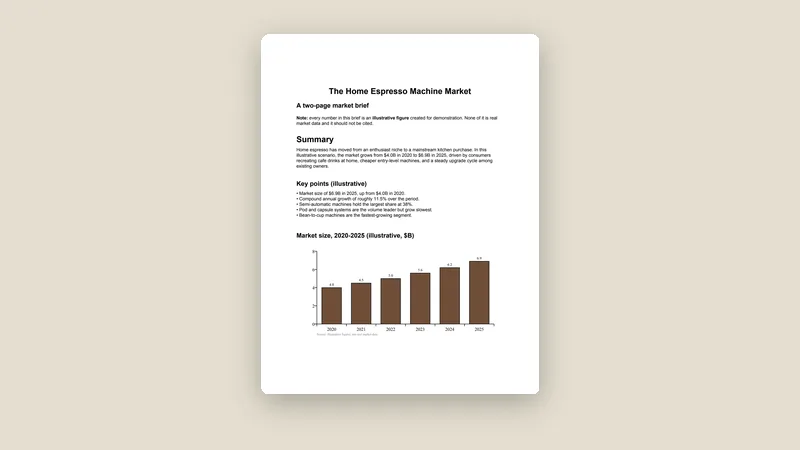
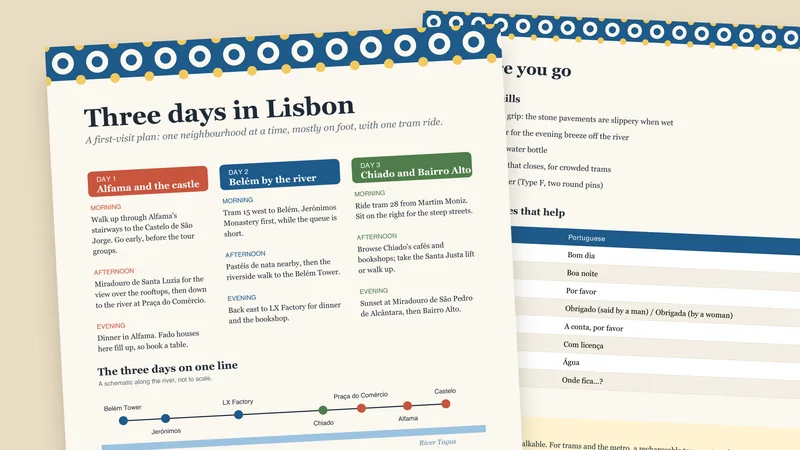
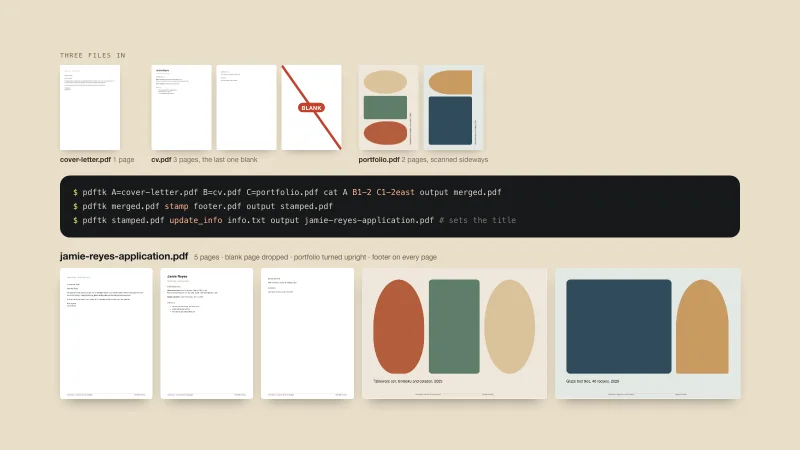
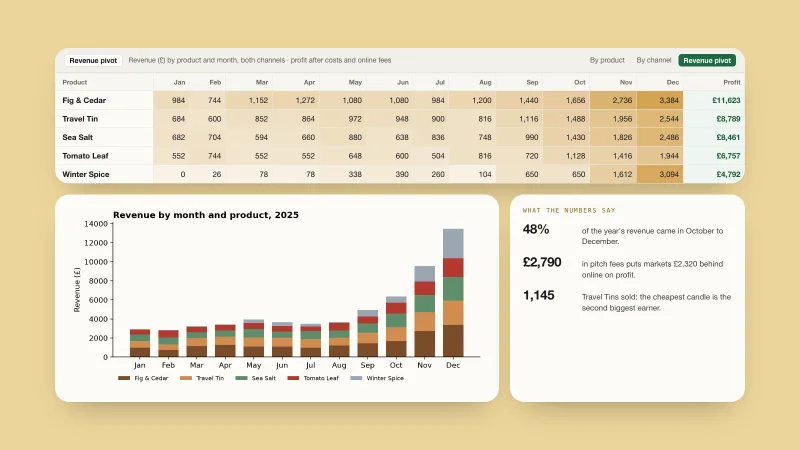
This skill is built into the Claude app. It creates, reads and edits Word documents (.docx) and Word templates (.dotx). Use it for reports, memos, letters and templates that need proper formatting such as headings, a table of contents, page numbers or a letterhead.
A Word file is a zipped bundle of XML files, so the skill creates new documents with a script, edits existing ones by changing the file directly and reads them with a conversion tool. It also handles tracked changes, comments, find and replace, and inserting or replacing images. It has built-in tips for common pitfalls, such as page size and table widths.
Best for: Anyone who needs a real Word file for work, school or clients.
- Create and edit .docx and .dotx files
- Table of contents, headings and page numbers
- Tracked changes and comments
- Find and replace, images and tables
- Reads a document into plain text
Made with this skill
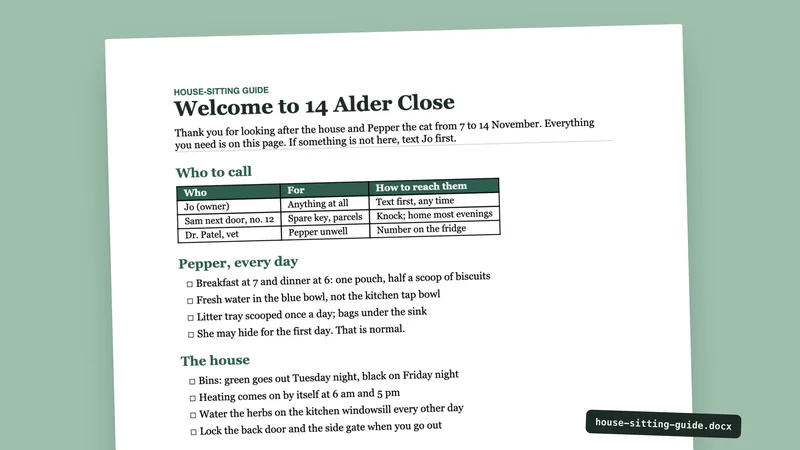
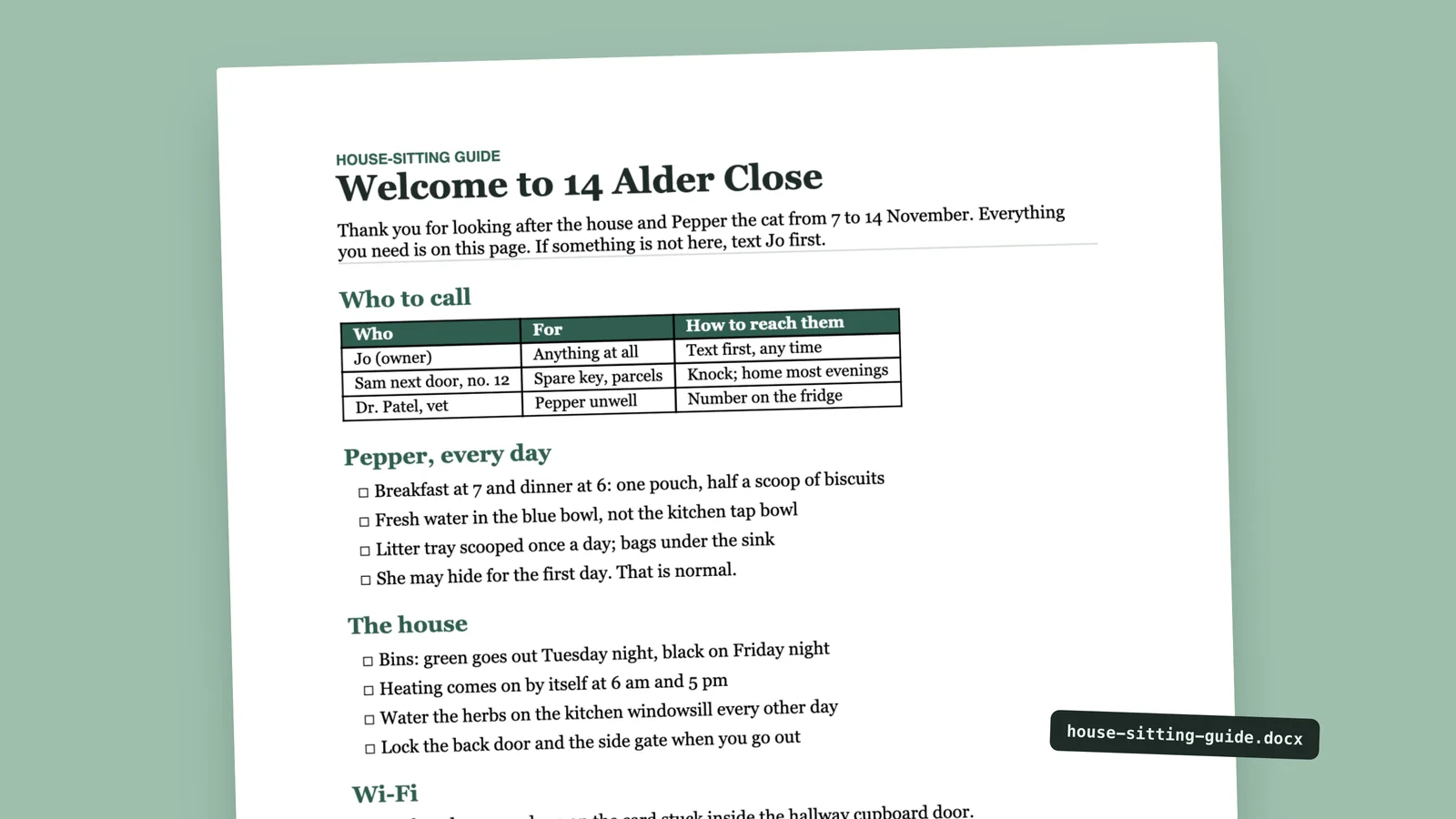
A one-page house-sitting guide as a Word file. Write a one-page Word document for a house-sitter: who to call, the cat's daily routine, bins and heating, and where the Wi-Fi details are. Any brands, names or numbers inside are invented examples.
Example prompts
Type something like this once the skill is added. Your app opens the skill when the request matches.
-
Write a two-page report with a table of contents and page numbers, as a Word file.
-
Edit this contract and show my changes as tracked changes.
-
Replace the logo in this letterhead template.
-
Turn these notes into a formal memo in Word.
What’s inside
This skill lives inside the Claude app and its files are not ours to hand out. It is made of 61 files, 59 of them program files. Claude runs them for you when you ask.
Which apps it works in
This skill is part of the Claude app. For other apps, look at the similar skills at the bottom of the page.
How to add Word Documents to your app
Step by step for each app. We say where to click, so you never need to leave this page.
Claude appby Anthropic
- 1 Open the Claude app and go to Settings > Features.
- 2 Make sure code execution and file creation is switched on. That is what lets Claude build real files.
- 3 Nothing to download or upload: this skill is built in. Ask for what you want, for example: “Write a two-page report with a table of contents and page numbers, as a Word file.”
- 4 Claude opens the skill by itself when your request matches it.
The current Claude Help Center lists Free, Pro, Max, Team and Enterprise. Organization policy can restrict uploads and sharing. Chat runs code in an isolated environment; uploading a skill does not give it your local project, coding-agent tools or unrestricted network access.
This skill includes 59 program files. That is normal for skills that build real files, but read them first, and stop if anything asks for passwords or outside downloads.
Questions about Word Documents
Where do I get it?
It is built into the Claude app. Its licence is proprietary, so we do not offer a download.
Does it work with PDFs or Google Docs?
No. It is for Word files only. PDFs have their own skill.
What paper size does it use?
The skill sets the page size explicitly, and its notes cover US Letter and A4.
Is the Word Documents skill free?
Yes. It is built into the Claude app, so there is nothing to buy or download. The steps above show how to turn it on.
Who made the Word Documents skill?
Anthropic. We did not write it. Best Agent Skills curates skills like this one, explains them in plain words and shows how to add them to your app.